

Mist field guide
How to evaluate a privacy-friendly new-tab extension
Do not rely on a “privacy-first” label. Trace what the page stores, which services it contacts and what happens when optional features are disabled.
What a new-tab extension can process
An extension controls the document shown for a new tab. It can process what you type into its own fields, the shortcut URLs you configure and any widget settings. Additional Chrome permissions can expose more capabilities.
The safest review starts with the exact feature set. A shortcut launchpad, account-synced dashboard and news feed need different data paths.
Read permissions in context
Ask whether access is necessary, narrow and explained. Avoid judging only by the length of the install dialog.
- Host permissions allow requests to matching origins; optional host permissions can be requested at feature use.
- Search permission can send a query through the browser-configured search engine.
- Bookmarks or history permissions expose broader browser data and should match a visible feature.
- A lack of permissions does not prove zero network requests; normal web resources can still be remote.
Local storage, sync and remote accounts
Local storage keeps settings in the browser profile. Chrome’s extension storage API also offers sync and managed areas, while some products maintain their own accounts and servers.
Sync can be valuable across devices, but it changes who stores the configuration and how deletion works. Look for a clear export, retention and account-deletion process.
Weather, backgrounds and other services
A weather feature must send a location or coordinates to a provider. A dynamic background may request an image service. Favicons can reveal shortcut domains. A quote or news feed creates its own request pattern.
Check whether the feature works only after consent, whether a less precise input is possible and whether disabling it stops requests and clears related cache.
How current products differ
Bonjourr’s documentation states that user-generated data is not collected or stored by its team and that external-service requests pass through its open-source API. Tabliss’s Store listing says it requires no permissions and is open source, while also describing remote background and widget providers.
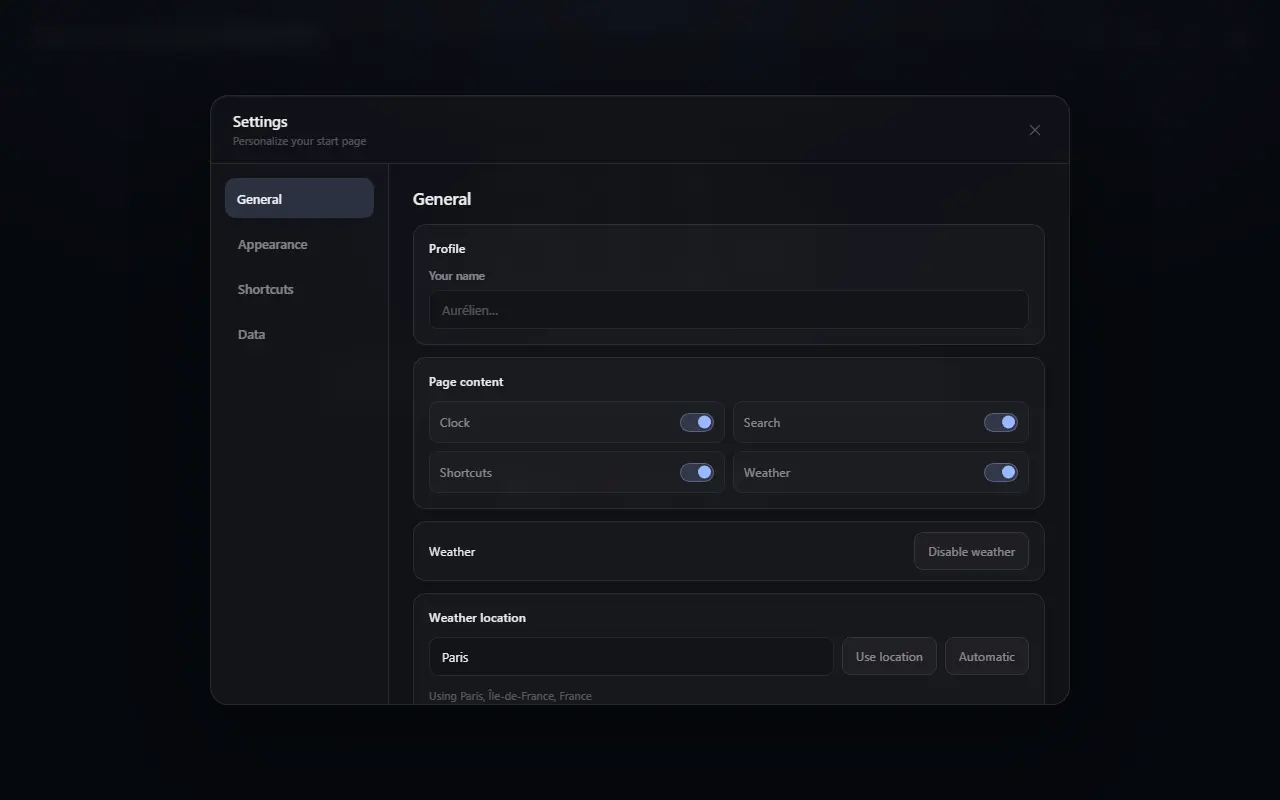
Momentum’s Store disclosure lists personally identifiable and authentication information and its product includes account-oriented and paid features. Mist keeps configuration and shortcut icons local without an account, while optional weather contacts documented providers after consent.
These are different architectures, not a one-dimensional privacy score. Recheck each official policy before installing because products and disclosures change.
A practical review checklist
- Identify the publisher and official policy.
- List requested Chrome and host permissions.
- Open developer tools and observe network requests on a fresh tab if you can.
- Test the page with optional widgets disabled and offline.
- Find export, deletion and uninstall behavior.
- Check whether the product is open source, while remembering that source availability is not a security guarantee.
- Revisit the review after major updates.
The limits of “privacy-friendly”
Privacy depends on your threat model. A direct weather request may be acceptable to one person and unnecessary to another. A proxy can hide an IP from a downstream provider but makes the proxy operator part of the path.
Prefer specific statements over absolute claims: local configuration, no extension telemetry, optional service access and named providers can all be checked. “100% private” usually cannot.
Specific answers
Practical follow-up questions
Is local storage automatically private?
It avoids uploading the configuration by itself, but anyone or software with access to the browser profile may still reach local data. Network-backed features remain separate.
Does “no permissions” mean “no network requests”?
No. Extension pages can load some remote resources or call public services without broad browser-data permissions, subject to manifest and security policy.
Is open source enough to trust an extension?
It improves inspectability, but users still need to verify the official build, maintenance, permissions and privacy behavior.
Primary references
Sources checked for this guide
Product and policy facts were last checked on 2026-07-25.