

Mist field guide
How to choose a minimalist new-tab extension
There is no universal “best.” The right extension is the one whose visual weight, features and data model fit what you want to see on every new tab.
Our review method
We reviewed official Chrome Web Store listings, product documentation and privacy pages on July 25, 2026. Store counts, ratings and version numbers change quickly, so they are not used to rank products here.
Mist is the product published by this site. That relationship is a reason to be more explicit about trade-offs, not a reason to place it first.
- Visual simplicity: how calm the default and configured page can remain.
- Customization: control over backgrounds, shortcuts and layout.
- Utility: whether optional tools match a real daily need.
- Performance model: lightweight local interface versus remote content.
- Data practices: accounts, storage, permissions and external services.
- Transparency: official documentation and open-source availability where stated.
- Accessibility: information publicly documented and observable in the interface.
- Maintenance: current official listings, without turning update recency into a score.
Bonjourr: deep customization with an iOS-inspired design
Bonjourr’s official listing describes dynamic photo and video backgrounds, quick links, search, notes, checklists, Pomodoro, weather, quotes, custom fonts and CSS. It is a good fit when you want a polished minimalist base with many optional tools.
Its documentation says user-generated data is not collected or stored by the Bonjourr team and explains that external-service traffic goes through an open-source API. That proxy model differs from Mist’s direct provider requests and local-only configuration approach.
- Strength: unusually deep appearance control and optional productivity tools.
- Limit: more available modules can require more configuration to stay minimal.
- Best fit: someone who wants design flexibility, custom CSS or notes and timers.
Tabliss: a flexible open-source widget canvas
Tabliss’s official listing emphasizes backgrounds, widgets, quick links, weather, notes, todo lists, search, custom CSS and many language options. The listing states that it requires no permissions and is free and open source.
It suits people who like constructing a personalized canvas. The trade-off is choice: a page with several live widgets is a different interpretation of minimalism than a narrow shortcuts-and-search layout.
- Strength: broad widget and background selection with an open-source project.
- Limit: the most useful setup may take experimentation and restraint.
- Best fit: someone who wants configurable widgets or rotating image sources.
Momentum: a guided focus and productivity dashboard
Momentum’s official listing combines backgrounds, focus tools, todo lists, shortcuts, weather and search. It also lists paid Plus features such as additional focus tools, integrations, AI features, soundscapes and metrics.
This is a better match for someone who wants a structured productivity layer, while a reader seeking only a quiet launchpad may find the product scope broader than necessary. Its Store disclosure lists handling of personally identifiable and authentication information; review the current privacy policy before creating an account.
- Strength: mature focus workflows and integrations.
- Limit: account-connected and paid productivity features may exceed minimalist needs.
- Best fit: someone who wants the new tab to guide goals and tasks.
Mist: a local shortcut launchpad with optional atmosphere
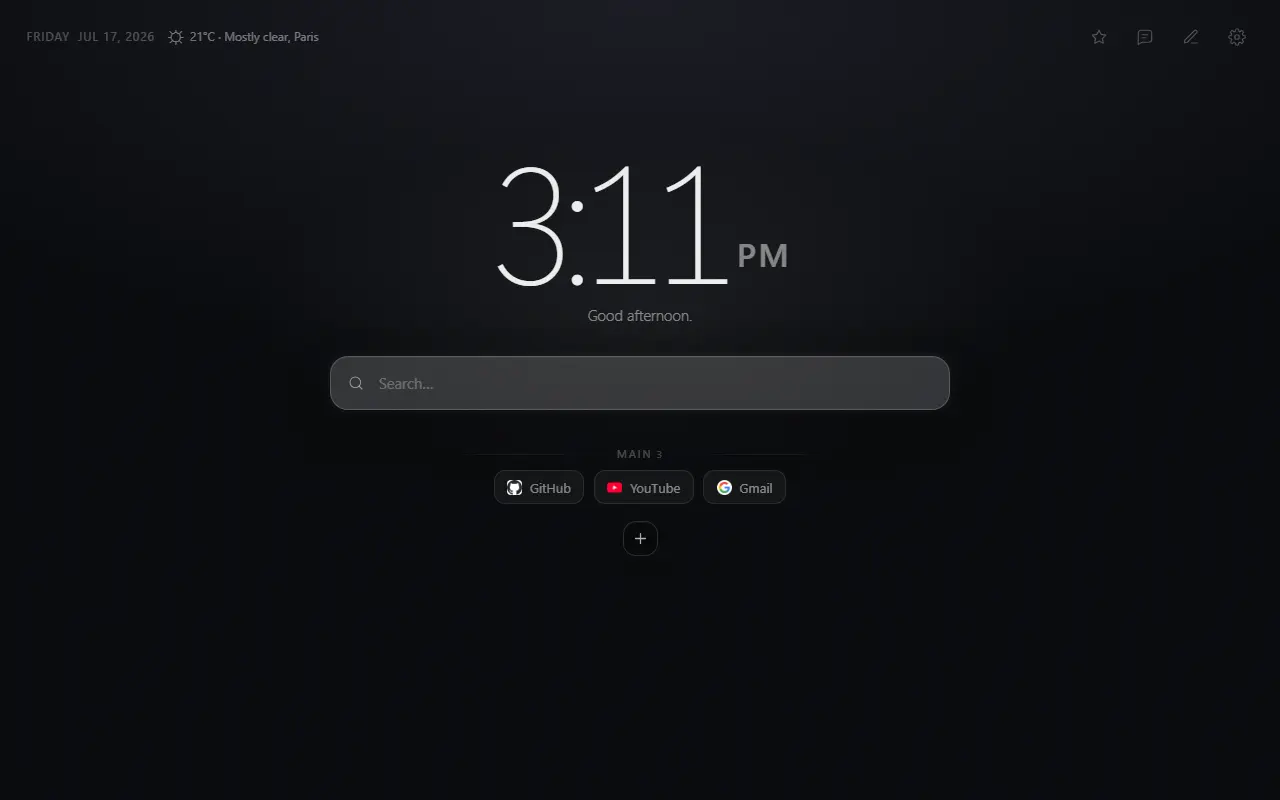
Mist focuses on shortcut groups, browser-default search, time, optional weather, ten built-in visual themes and a custom theme builder. It has no task list, notes, quote feed, account or analytics.
That narrow scope is a strength when you want a calm launchpad and a limitation when you want widgets, cloud sync or a full productivity system. Only optional weather and submitted feedback create extension network requests.
- Strength: grouped shortcuts, explicit JSON backup and a small feature surface.
- Limit: no account sync, notes, todo list, timer or browser releases beyond Chrome.
- Best fit: someone who wants local organization with optional illustrated themes.
A practical decision
Choose Bonjourr for design depth and optional personal productivity tools; Tabliss for an open widget canvas; Momentum for a guided focus platform; or Mist for a narrower local shortcut system.
Before committing, install one option at a time, disable every widget you do not need and use it for several days. The best minimalist page is the one you stop noticing.
Primary references
Sources checked for this guide
Product and policy facts were last checked on 2026-07-25.