

A manual developer workflow
Create a start page for your development workflow
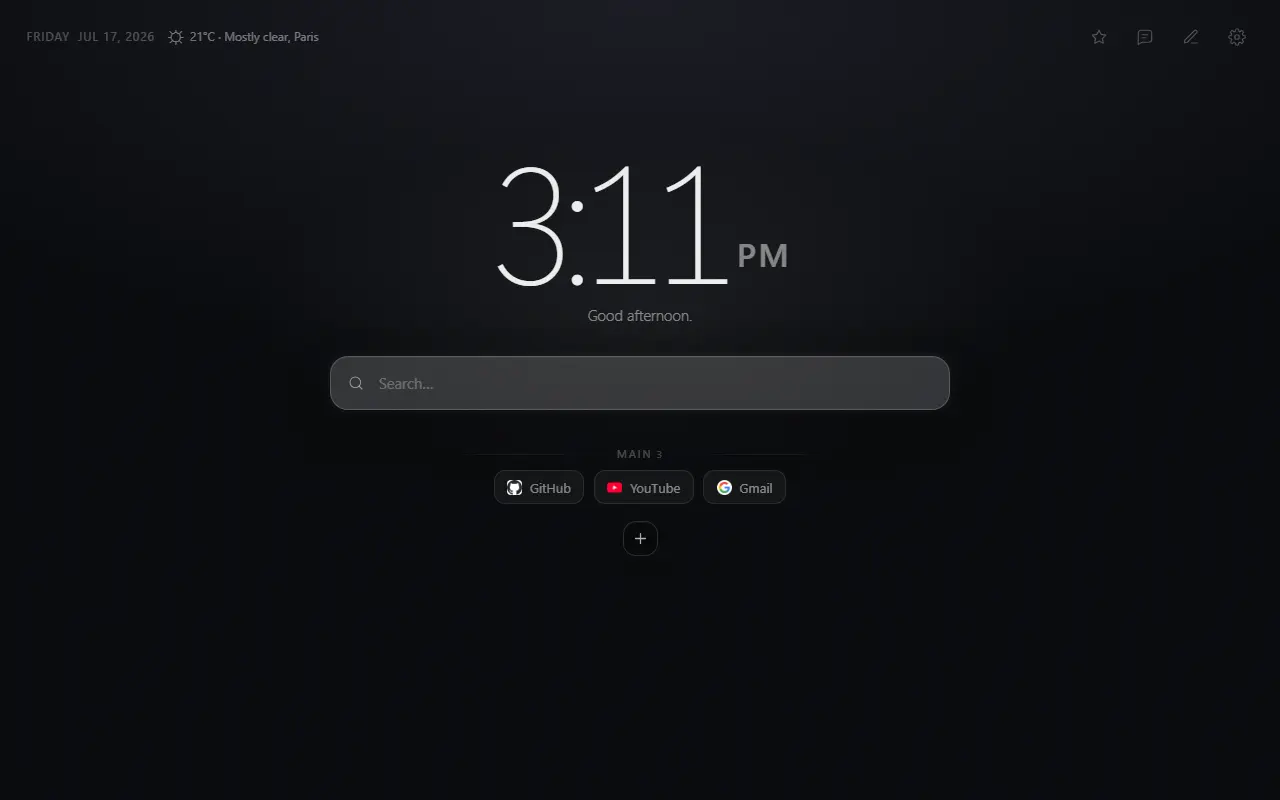
Mist — Minimal New Tab can keep repositories, documentation, environments and dashboards in consistent shortcut groups. It is a launchpad, not another engineering platform.
The problem
Developer bookmarks grow faster than the active context
Repositories, API references, issue trackers, monitoring and deployment tools all matter—but rarely at the same moment. A flat list makes the active project compete with an archive of old links.
Opening another all-in-one dashboard can also be overkill when the goal is simply to reach the correct tool quickly.
Direct answer
Organize by project stage or operating context
A compact setup might use Build for repositories and documentation, Ship for CI and deployments, and Operate for logs and monitoring. Another developer may prefer one group per active project.
Mist provides the grouping, drag-and-drop order, current/new-tab preference and JSON backup. A ready-made Developer preset is planned, not currently included.
Why it helps
Benefits tied to this use case
Stable project entry points
Keep the current repository, issue board and primary docs in a predictable position.
Separation without nested folders
Visible groups divide build, delivery and operations tools on one screen.
A versionable backup format
JSON export can be stored privately and reviewed before importing to another profile.
How it works
Build the page in deliberate steps
- 01
Choose a grouping model
Use project names when contexts are independent, or lifecycle stages when tools are shared.
- 02
Link the first page, not every page
A repository root or documentation index is usually better than a dozen deep URLs.
- 03
Put risky environments last
Separate production dashboards from everyday development destinations and label them clearly.
- 04
Export before a project rotation
Keep a private snapshot, then remove links that no longer belong on every new tab.
Concrete situations
Where this setup earns its place
Beginning a coding session
Open the active repository, local documentation and issue queue from one group.
Shipping a change
Keep CI, preview environments and release documentation together.
Responding to an incident
Place status, logs and runbooks in a clearly named operational group.
Available in Mist now
Features relevant to this page
- Custom shortcut groups
- Create a visible model that matches projects, environments or engineering stages.
- Current-tab preference
- Reuse the new tab for launch links or preserve it while opening tools separately.
- Browser search integration
- Use the search engine configured in Chrome instead of maintaining a parallel search setting.
- No remote configuration account
- The launchpad stays local unless you explicitly export its JSON.
Limitations and trade-offs
Do not turn the new tab into a secrets inventory
Avoid URLs containing temporary tokens, internal credentials or sensitive query parameters. Use authenticated landing pages and let the destination manage access.
Internal hostnames or private project labels remain local, but may still be visible to anyone who can see the screen or exported file.
An honest comparison
A launchpad is not a developer portal
An internal developer portal can catalog services, ownership and deployment state. Mist does none of that; it only opens destinations you configure.
That narrow scope makes it useful for a personal set of active tools, while teams should keep shared operational knowledge in governed systems.
Specific answers
Questions people ask before choosing
Does Mist connect to GitHub or GitLab?
No. You can add repository URLs as shortcuts, but Mist does not call repository APIs or read project data.
Does Mist include a Developer preset?
Not currently. A preset is planned; this page describes a manual setup using shipped shortcut-group features.
Can the configuration be kept in version control?
Mist exports JSON, but review it for private URLs and personal information before storing it in any repository.
Can I use custom search commands?
Mist sends text through Chrome’s configured default search engine. It does not provide its own programmable command palette.